
The Best Productivity Tool for Professionals in 2026
Modern professionals are expected to do more in less time than ever before.
Between constant notifications, growing workloads, and an expanding list of digital tools, staying productive has become a daily challenge rather than a simple habit.
Many professionals spend more time than expected on repetitive, low-value tasks. These tasks quietly drain focus, disrupt momentum, and reduce overall efficiency.
This shift is why digital productivity tools are now essential, not optional.
In 2026, AI productivity tools go beyond basic organization. As automation and AI mature, the focus is shifting toward working smarter and reducing mental overhead and cognitive load.
In this article, we highlight the best productivity tools for professionals in 2026.
Our focus is on solutions that improve efficiency, minimize repetitive work, and support sustainable workflows across a wide range of roles and industries.
What Makes a Great Productivity Tool for Professionals?
A great productivity tool is not defined by how many features it has. It’s defined by how well it fits into real-world workflows.
Ease of use is essential. A good tool should feel intuitive from the start and not require weeks of setup, configuration, or training.
Customization is just as important. Professionals should be able to adapt the tool to their tasks instead of changing how they work to fit rigid systems.
Integration is another key consideration. The most effective productivity tools connect smoothly with existing software, such as:
- Email clients
- Project management platforms
- Spreadsheets
- Design tools
This reduces friction and keeps work flowing across systems.
Cost-effectiveness also matters, especially for freelancers and small teams using freelance productivity tools. Productivity tools should deliver clear value without inflated pricing or unnecessary complexity.
At the core of modern productivity is automation.
Tools that reduce repetitive actions through AI, macros, or simple workflow automation, including AI-powered productivity tools, free up mental capacity for higher-value work.
By minimizing friction and decision fatigue, productivity tools help prevent burnout and improve focus. They allow professionals to spend more time on work that meaningfully drives results.
Auto Clicker on Steam – The Underrated Productivity Booster
While it’s often linked to gaming, Auto Clicker on Steam is also a practical productivity tool for professionals.
Let’s learn more about the automation tool.
What Is Auto Clicker on Steam?
Auto Clicker on Steam is a lightweight automation tool that simulates mouse clicks at user-defined intervals and screen positions.
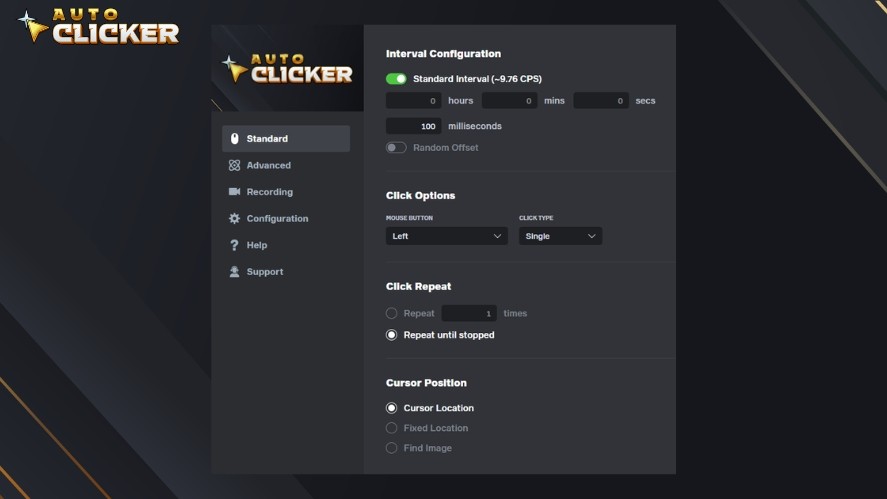
Instead of repeating the same action manually, users set the behavior once and let the tool run automatically.
Auto Clicker on Steam is easy to use and does not require technical skills, making it a reliable auto clicker for Windows 11. It is efficient and flexible enough to fit into many professional workflows.
How Professionals Use Auto Clicker to Save Time
Many professionals use Auto Clicker to speed up repetitive but necessary tasks.
Common use cases include data entry and form filling, where the same buttons or fields must be clicked again and again.
In addition, QA testers and developers also rely on it during manual testing. It helps automate repeated UI interactions during validation cycles.
For multitaskers, Auto Clicker can also act as a background assistant. It runs scheduled clicks while attention is focused on more complex or creative tasks elsewhere.
Key Features That Set Auto Clicker on Steam Apart From Other Productivity Tools
Auto Clicker on Steam stands out because it keeps things simple while offering practical control. Key features include:
- Fully customizable click intervals and on-screen locations
- Lightweight performance with virtually no learning curve
- One-click start and stop via configurable hotkeys
- Broad compatibility with different software environments on Windows
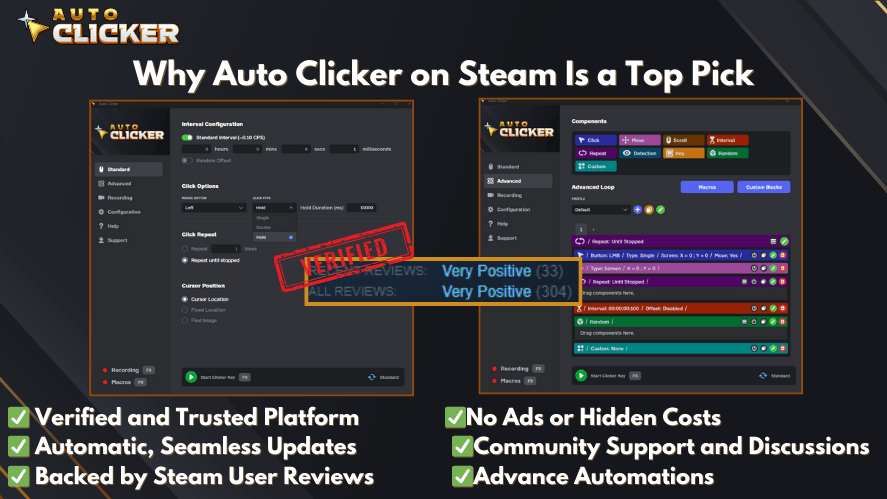
These features make Auto Clicker on Steam an accessible yet powerful automation option for professionals looking to eliminate small inefficiencies.
Read More: Auto Clickers For Mac (2026 Updated)
Other Top Productivity Tools for Professionals
While automation tools like Auto Clicker handle repetitive actions, most professionals still rely on a broader productivity stack.
The tools below are widely used across many industries. They improve clarity, coordination, and day-to-day efficiency in practical ways.
Notion – All-in-One Workspace
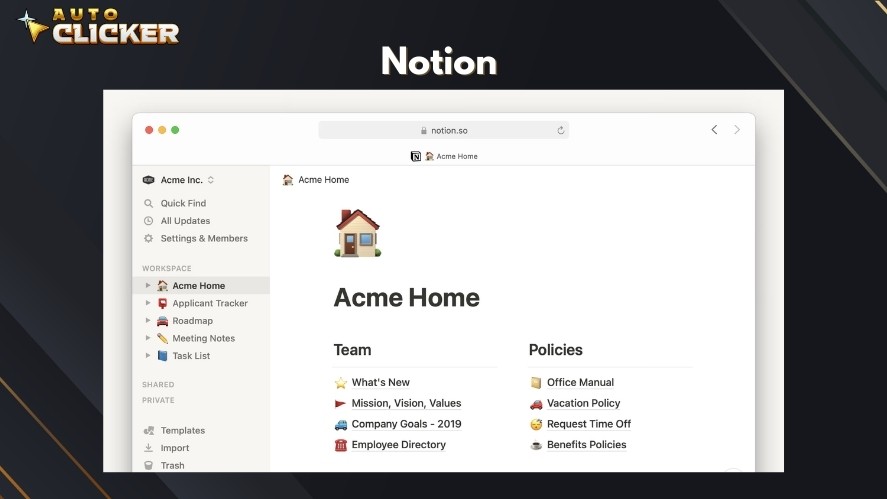
Notion is a flexible workspace that combines note-taking, task management, databases, and collaboration in one platform. It’s often considered among the best AI tools for productivity.
Professionals use it to manage personal to-do lists, meeting notes, and shared knowledge bases. Teams also rely on it for product roadmaps and internal documentation.
Its modular structure allows users to customize pages to match their workflow. This makes Notion useful for freelancers, startups, and large teams alike.
With real-time collaboration and ready-made templates, it reduces tool switching and keeps information organized in one place.
However, new users may need some time to fully explore its customization potential.
Trello – Visual Project Management
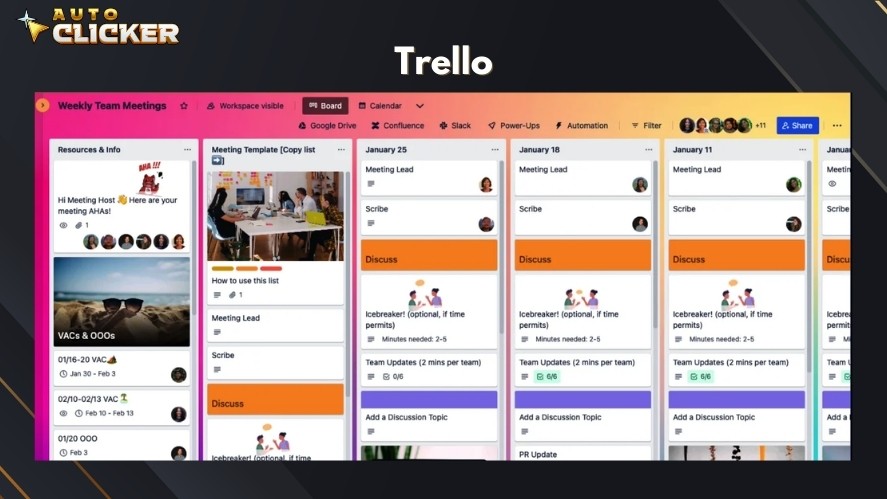
Trello focuses on simplicity and visual clarity through its board-and-card system.
Tasks are organized into lists that represent different stages of work. This makes progress easy to see at a glance.
The approach works well for small teams, content planning, and agile workflows where visibility is important.
Trello’s drag-and-drop interface keeps projects moving without overwhelming users with advanced features.
While it does not offer advanced reporting or complex automation, its simplicity is a major strength. This makes it an excellent entry-level productivity tool for professionals.
Zapier – Automation Between Apps
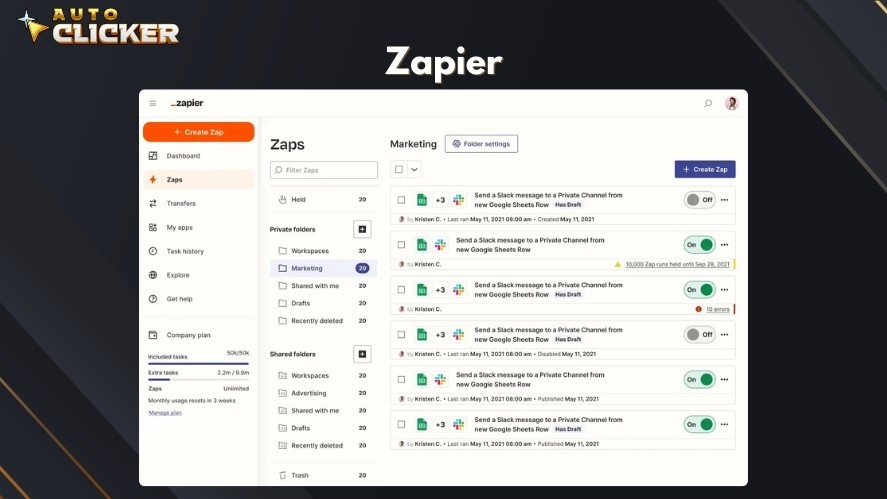
Zapier connects thousands of apps and automates workflows without requiring any coding knowledge, making it one of the most practical AI tools for productivity.
Professionals use it to remove manual tasks like copying data between tools, sending notifications, or updating spreadsheets.
With simple “if-this-then-that” rules, Zapier lets teams build automation that runs quietly in the background.
This makes it especially valuable for freelancers and remote teams juggling multiple platforms.
The main limitation is that more advanced workflows may require a paid plan. However, the time saved often outweighs the cost.
Todoist – Smart Task Management
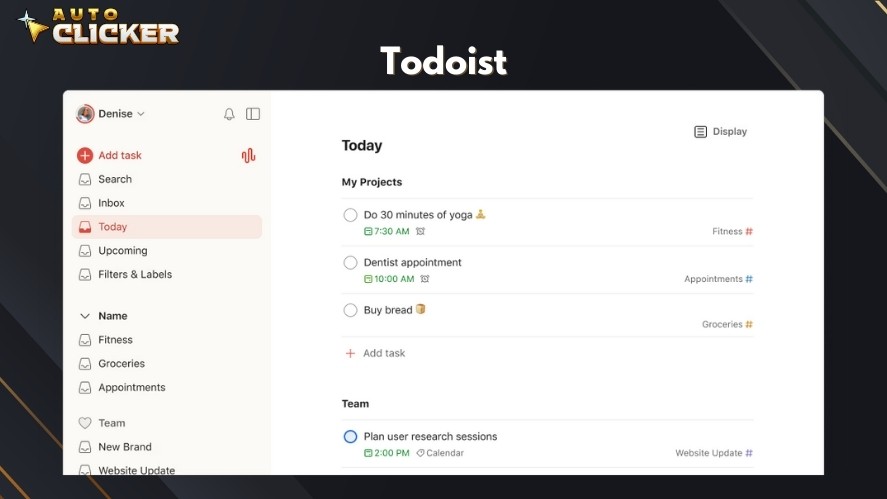
Todoist is a streamlined task manager designed to help professionals stay focused and organized. It allows users to capture tasks quickly, set priorities, assign due dates, and track progress over time.
Features like recurring tasks, reminders, and productivity streaks encourage consistent work habits.
Todoist works well for individuals and teams that need a lightweight system with minimal distractions.
It doesn’t replace full project management tools, but it does a great job of keeping daily tasks clear and easy to manage.
Clockify – Time Tracking Made Easy
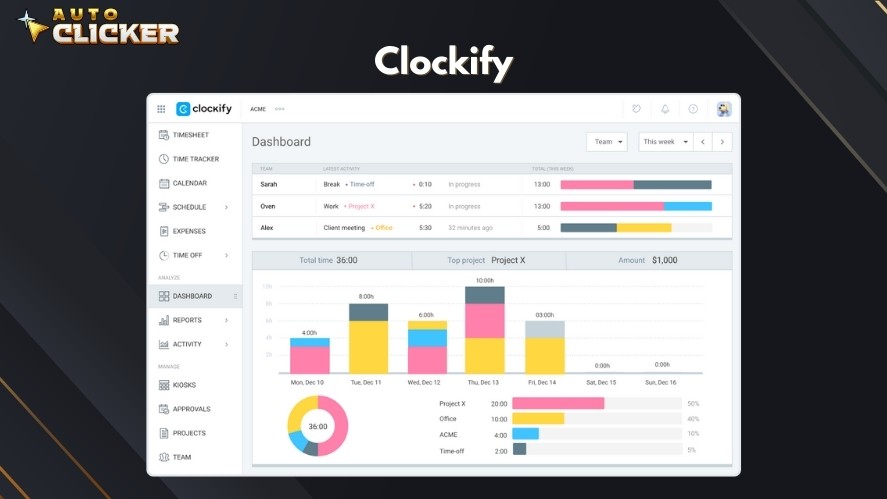
Clockify helps professionals understand how their time is actually spent throughout the day.
Users can track time across projects, clients, or tasks. This makes the tool especially useful for freelancers, agencies, and remote teams.
The built-in reports show productivity patterns and help users improve how they allocate their time.
Clockify also supports team tracking, approvals, and integrations with popular project management tools.
Its generous free plan makes it accessible, though advanced reporting features are reserved for paid tiers.
How Auto Clicker Complements Other Tools
Auto Clicker works best when paired with other productivity tools used for planning and organization.
While tools like Notion or Trello manage tasks, the best Auto Clicker for Windows automates the actions needed to complete them. This reduces manual work and speeds up repetitive steps.
Professionals often use Windows Auto Clicker alongside software like Excel, Notion, or internal dashboards.
It can handle repeated clicks, menu selections, or confirmations that slow down daily workflows. This makes it a practical automation tool for routine tasks that do not need human attention.
Auto Clicker is especially useful for developers, designers, testers, and administrative professionals. These roles often deal with repetitive UI actions that waste time and break focus.
By automating small actions, Auto Clicker for Windows helps users stay focused on higher-value work.
Frequently Asked Questions
The best productivity tools are easy to use, customizable, integrate well with other software, and help automate repetitive tasks to save time and reduce mental load.
Auto Clicker automates repetitive mouse actions like clicking buttons, filling forms, and navigating menus, helping professionals work faster and stay focused on higher-value tasks.
Professionals in roles like data entry, QA testing, design, development, and administration can all benefit from automating repetitive UI tasks with Auto Clicker.
Yes, Auto Clicker works well with tools like Notion, Trello, Excel, and internal dashboards by automating the repetitive actions needed to complete everyday tasks.
No, while it’s popular in gaming, Auto Clicker is also a practical productivity tool for professionals looking to reduce repetitive work and improve efficiency.
Final Thoughts – Choosing the Right Productivity Tool for You
Modern productivity tools solve different problems, from task planning to workflow automation. Each tool supports a different part of the productivity process.
The best approach is to test team productivity tools and see how they fit your workflow. What works for one professional may not work for another.
And remember, small improvements in speed and focus can add up over time.
Auto Clicker stands out as a hidden gem among productivity tools. It is simple, lightweight, and when used correctly, it turns small time savings into long-term efficiency gains.

How to Use Auto Clicker for Efficient Game Testing

Auto Clicker Software for Steam Games and Workflow Automation
Best Productivity Tools to Use in 2026
About The Author
