
Best Productivity Tools to Use in 2026
It’s no secret that staying productive these days can feel like a never-ending battle. Between juggling work tasks, messages from coworkers, notifications on your phone, and everything else that pulls your attention, it’s easy to get off track. That’s where the right productivity tools can make a big difference.
In 2026, the tech landscape is packed with tools built to help you do more in less time. But with so many options, it can be tough to figure out which ones are actually helpful and which ones just add more noise.
That’s why I put together this guide. I’ve looked into what’s really working for teams, professionals, and solo workers this year. Some tools help manage projects. Others take care of boring, repetitive stuff. And a few use AI in smart ways to boost how you work. Let’s break down the top picks.
What Makes a Productivity Tool Actually Useful in 2026?

You don’t need a tool with every feature under the sun. In fact, the best ones are usually the simplest to use. Over the past year, there’s been a clear shift toward apps that are lightweight, fast, and flexible. Here are the five traits I’ve seen over and over in the most effective tools today.
1. Works on All Devices Without Issues
These days, we’re not tied to one device. You might start planning something on your laptop, tweak it on your phone, and check progress on your tablet. That’s why solid productivity tools work across all platforms without weird bugs or missing features.
2. Smart Automation and AI Features
No one wants to do the same thing over and over. That’s where automation helps. Tools that automate routine tasks save hours each week. And with the rise of AI tools for productivity, we’re starting to see features that not only do things faster but also smarter.
3. Clean and Easy Interface
Let’s be honest, nobody reads user manuals anymore. The best tools are the ones you can pick up and start using right away. Even better if they’re not filled with buttons you’ll never click. Online productivity tools today are more focused on keeping things clean and letting you work without distractions.
4. Works With Your Workflow
Everyone works differently. Some folks love kanban boards. Others like checklists or detailed timelines. That’s why flexibility matters. A good productivity tool lets you shape it to your needs rather than forcing you into one system.
5. Easy to Learn and Use
Not every user is a tech expert, and that’s okay. Whether it’s a student, a small business owner, or someone just trying to manage a side hustle, tools need to be easy to pick up and not overly complicated. That’s one reason why task automation tools and planners with simple tutorials have become more popular.
Top Task and Project Management Tools
Let’s start with tools that help keep your tasks and projects organized. Whether you’re working on a solo goal or leading a team, these platforms help you stay on top of things.
Notion AI

Notion used to be just a note-taking app, but in 2026, it’s become a full-on powerhouse. With Notion AI, you can organize your work, manage projects, write documents, and even brainstorm ideas with a built-in AI assistant.
You can write out your plans, drop in a to-do list, add a calendar, and ask the AI to clean up your notes or rewrite things to sound more polished. It’s like a digital notebook that actually helps you get work done.
ClickUp
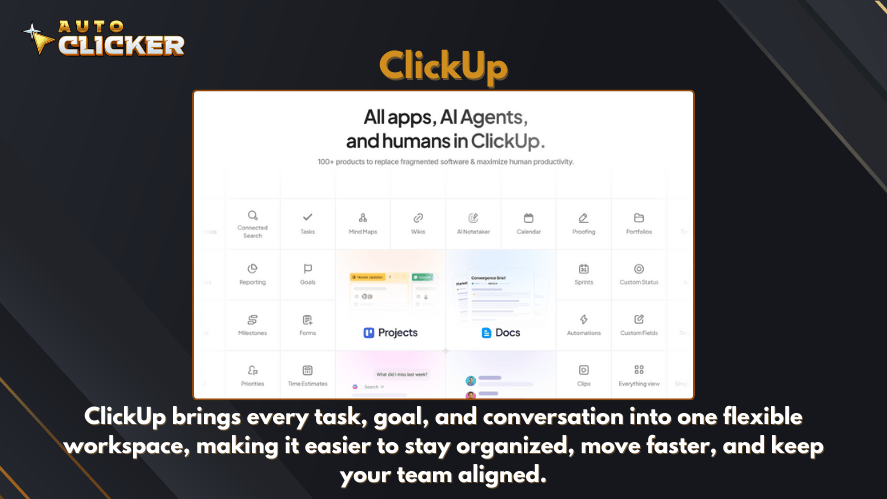
ClickUp is the kind of tool that you can use for just about anything. From simple to-do lists to big projects with lots of moving parts, ClickUp keeps things in one place. It’s one of those rare productivity tools that scales with you.
You can start with something basic and then unlock more powerful features as you need them. It works well for both solo workers and large teams.
Trello
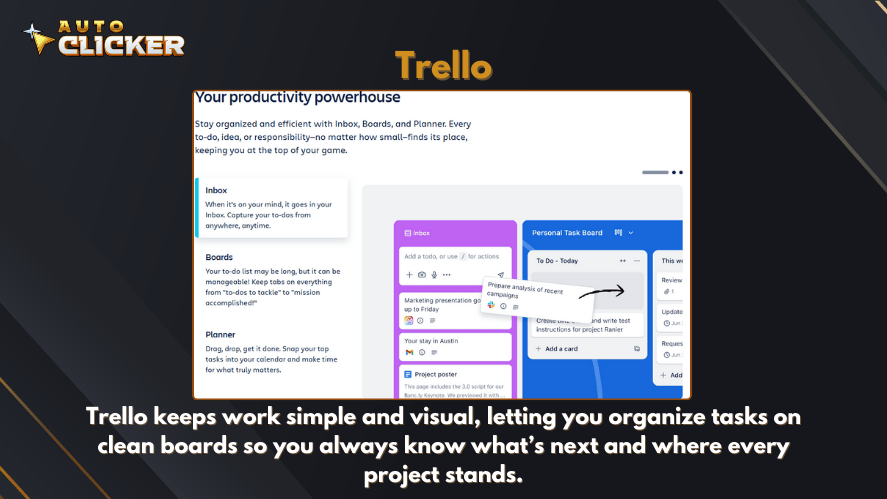
Trello might not be as flashy as some newer apps, but it’s still one of the best product management tools out there for people who like to keep things simple.
The drag-and-drop boards are perfect for planning tasks or tracking progress. It’s also great for visual thinkers who want to see everything laid out in one place.
Tools That Automate the Boring Stuff
Nobody likes spending time on repetitive tasks. That’s where task automation comes in. These tools help you save time by doing routine work for you.
Zapier
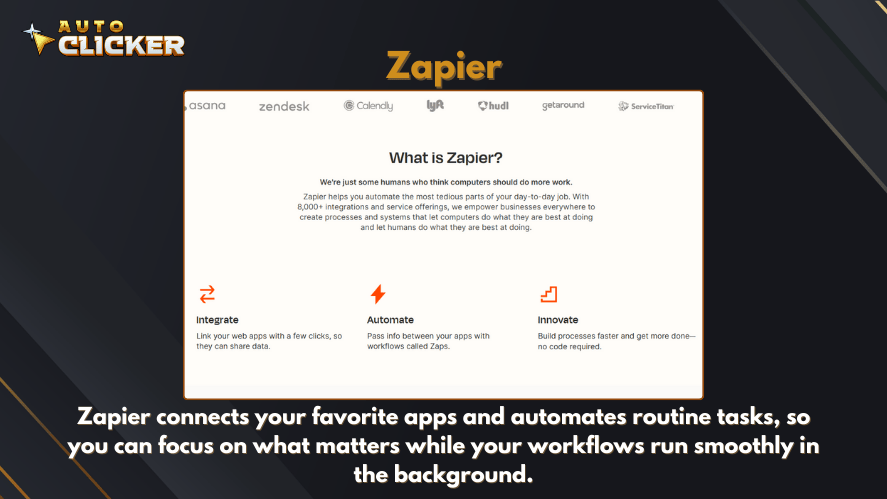
Zapier has been around for years, and it’s still one of the easiest ways to connect your apps. You can set up things like, “When someone fills out this form, send their info to this spreadsheet and email me a copy.”
It’s powerful, and best of all, you don’t need to know how to code. Just a few clicks, and it’s done. That’s why it’s one of the top task automation tools out there today.
Make (formerly Integromat)
If Zapier is the easy button, Make is the advanced option. It’s a little more complex, but it lets you build really detailed workflows. You can set up conditions, loops, and custom steps.
People who love building systems or need to automate deep processes tend to go for Make. It’s also popular with folks using developer productivity tools who want full control over every part of the workflow.
Task-Specific Automation Apps
Now, let’s talk about the small tools that do just one job really well.
- Auto clicker apps are exactly what they sound like. They automatically click for you. Super useful in games, testing, or any job that requires lots of clicking.
- Automated mouse click tools can be set to click at regular intervals. People use them for data input or interface testing.
- Auto clicker PC apps are simple, but they save time for anyone doing repetitive tasks.
- A clicking tool might not sound fancy, but for specific workflows, it’s a lifesaver.
- An automated clicker can handle mouse tasks while you focus on more important stuff.
These aren’t flashy tools, but they do one thing really well, and that’s exactly why people keep them in their workflow.
AI Tools That Make You Smarter and Faster
AI isn’t just for big tech companies anymore. More and more people are using AI to write emails, organize their calendars, and simplify their workday. Let’s look at two of the best ai tools for productivity right now.
GrammarlyGO
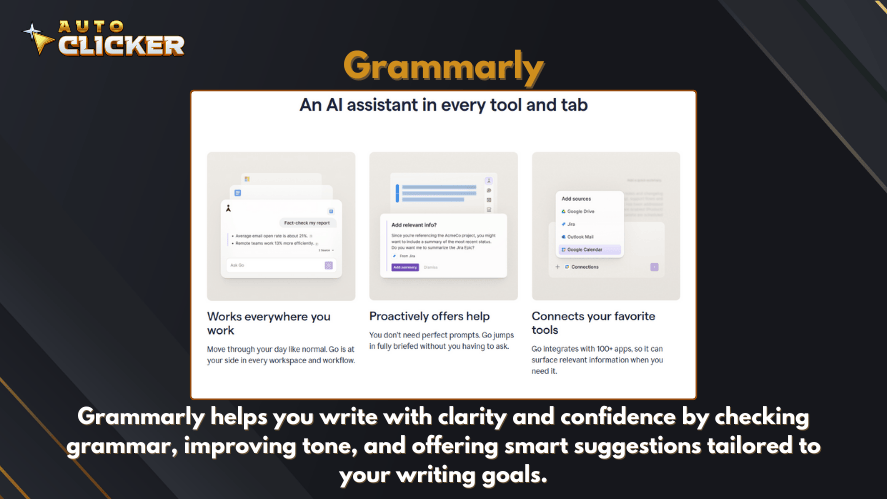
Grammarly started as a grammar checker, but GrammarlyGO takes things to the next level. You can ask it to rewrite a sentence, change the tone, or even help you come up with new ideas.
It’s like having a writing partner who never gets tired. Whether you’re working on a report or just replying to emails, it helps you get your point across clearly and quickly.
Reclaim.ai
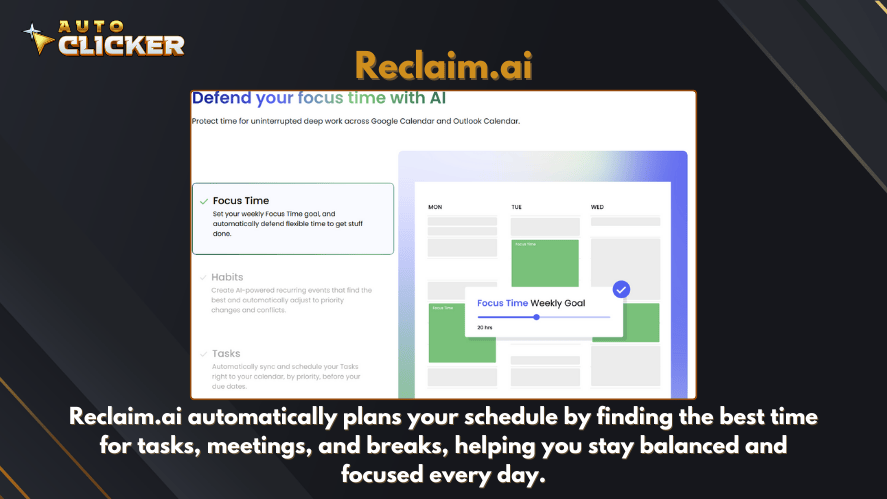
Reclaim.ai is a smart calendar tool. It doesn’t just remind you of meetings. lt actually helps you find the best time to do focused work, take breaks, and keep up with personal goals.
It moves things around automatically if something pops up, which means your day stays balanced without you having to manually move tasks around. If your schedule is packed, this tool helps make room for everything.
Tools That Help You Stay Focused
Being busy is one thing. Staying focused is another. These tools are designed to cut down distractions and help you stay on track.
Focusmate
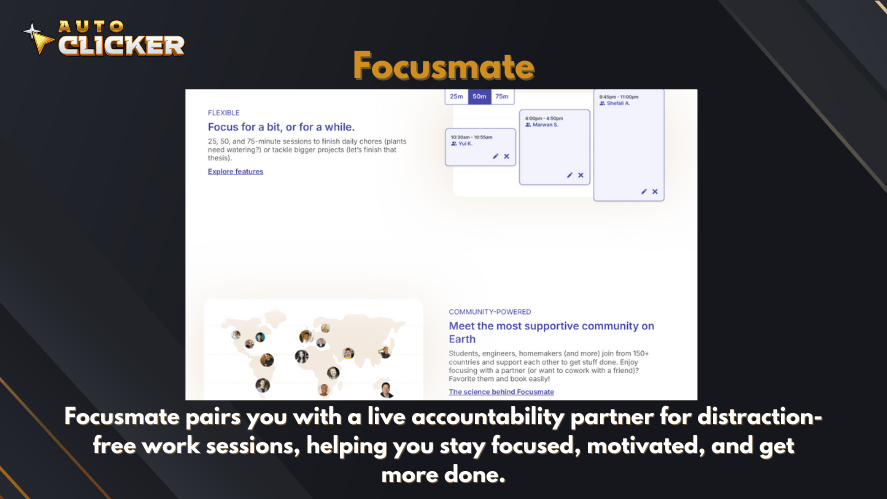
Focusmate pairs you with a real person who works quietly alongside you during 25 or 50-minute sessions. It sounds a bit odd at first, but it actually works.
Knowing that someone else is working at the same time keeps you from getting sidetracked. It’s been a big help for freelancers, students, and anyone who struggles to stay on task.
RescueTime
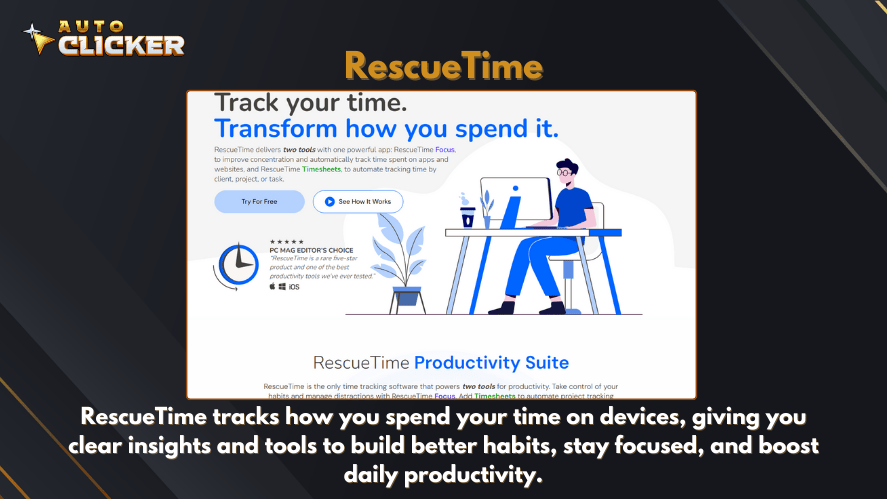
RescueTime runs in the background and tracks what you do on your computer. It gives you reports on where your time went and shows how productive you’ve been.
It’s eye-opening to see just how much time you spend on email or social media. Once you know where the problem is, it’s easier to fix it.
Forest
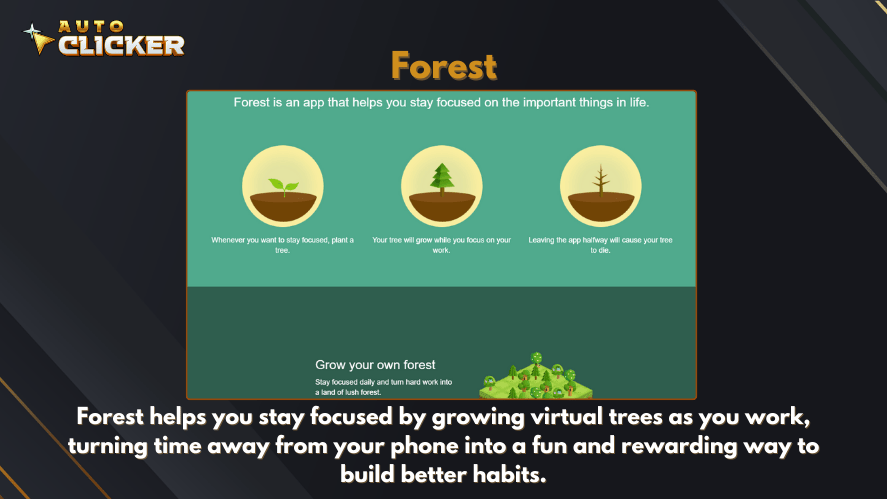
Forest is a simple app with a clever twist. When you want to focus, you plant a virtual tree. If you leave the app, the tree dies. The longer you stay focused, the more your forest grows.
It’s fun and strangely motivating. And yes, they even plant real trees when you reach certain milestones.
Collaboration and Communication Tools
Whether you’re working remotely or just trying to avoid long email threads, good communication tools are essential. Here are two that stand out.
Microsoft Loop

Microsoft Loop brings together ideas, tasks, and notes in a way that feels natural. You can create pages for projects, drop in components like checklists or tables, and share them with your team.
Everything stays updated no matter where it’s viewed. It works well with Microsoft Teams and Outlook, making it a smart choice if you’re already in that ecosystem.
Slack
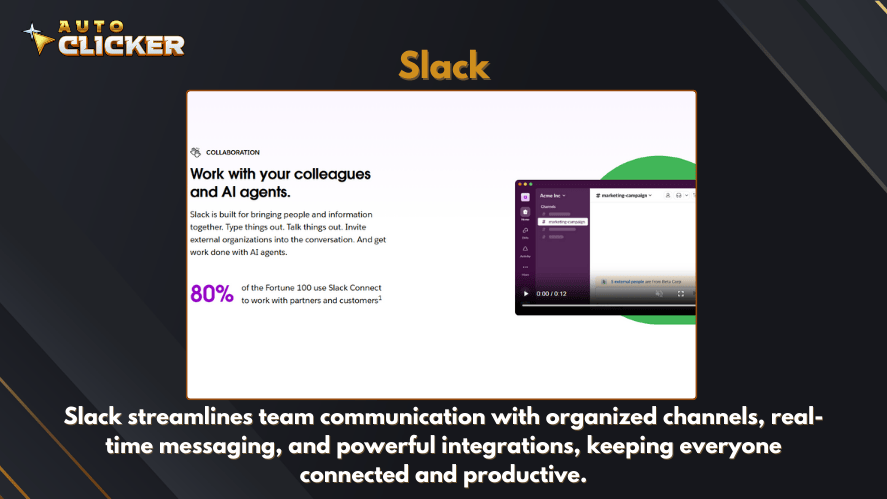
Slack has become the go-to tool for team chats. It’s not just about messaging though. You can set up channels, share files, start quick calls, and integrate other apps.
You can even automate parts of your workflow with built-in bots or connect it to tools like Zapier. It’s still one of the top online productivity tools for a reason.
Building the Right Productivity Stack for You
Here’s the truth: no tool is perfect for everyone. What works for a writer might not work for a developer. What helps a student might slow down a small business owner.
That’s why the best approach is to mix and match. Try a few tools that seem right for your goals. If you’re not sure where to start, pick one tool for each of these:
- Task Management: Try Notion AI or ClickUp
- Automation: Go with Zapier or a simple auto clicker
- Focus: Use RescueTime or Forest
- Communication: Slack is always solid
Test them out for a week or two. See what actually helps and what feels like extra work. Then fine-tune your stack from there.
Final Thoughts
Staying productive isn’t about doing more things. It’s about doing the right things in the smartest way possible. The right productivity tools can help you take back your time, reduce mental clutter, and make your work feel less overwhelming.
Whether you’re using a full project management system or a tiny clicking tool that saves you a few minutes each day, every bit helps. Try a few from this list and build a setup that makes your day smoother, not harder.

How to Automate Repetitive Tasks on Your Computer

Excel Auto Clicker Guide for Automating Repetitive Tasks

How to Auto Farm in Games Using Auto Clicker on Steam
About The Author
