
Auto Clicker Latest Version – Best Download for 2026
An auto clicker is a simple automation tool that simulates mouse clicks. Instead of clicking the same button hundreds or thousands of times, the best auto clicker software performs those actions automatically.
This makes auto clickers useful for gaming, productivity, software testing, and other repetitive tasks where manual clicking wastes time and focus.
In 2026, automation tools matter more than ever. Professionals, gamers, and everyday users rely on small efficiency gains to stay productive and reduce fatigue.
At the same time, operating systems like Windows 11 and modern applications continue to change. Older tools often struggle with compatibility, performance, or security as a result.
Because of this, using the auto clicker latest version is no longer optional. Updated tools offer better stability, improved auto clicker safety, and more reliable results.
This article explains how auto clickers are used today and why choosing a regularly updated, reliable auto clicker is especially important in 2026.
What Is an Auto Clicker Used For in 2026?
Auto clickers are no longer niche tools. Today, they are used in gaming, professional workflows, and accessibility support.
Anywhere repetitive mouse clicks waste time or effort, auto clickers provide a practical solution.
Gaming Automation
In gaming, auto clickers handle repetitive actions that offer little or no strategic value. Common examples include:
- Idle games
- RPG grinding
- Resource farming
- Crafting mechanics
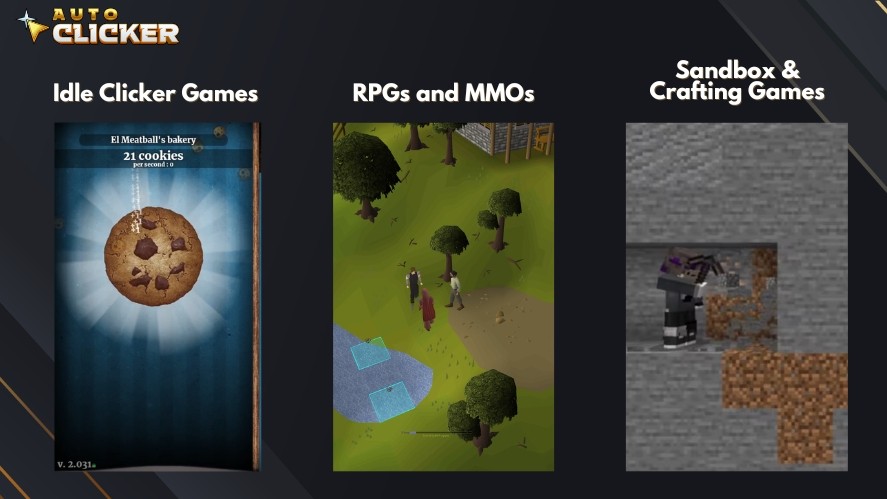
Players use automatic clickers to achieve faster clicks in one second than manual input allows, while keeping timing consistent.
When used responsibly, especially in single-player or idle games, auto clickers reduce fatigue and make longer play sessions more comfortable.
Productivity and Workflow Tasks
Auto clickers are also widely used in productivity settings.
They help automate form submissions, repeated UI actions, and simple workflow steps. QA testers use automated mouse click tools to stress-test buttons, menus, and layouts.
Lastly, office workers rely on auto clickers to speed up routine interactions in web apps, CMS dashboards, and internal tools.
Accessibility Use Cases
Auto clickers play an important role in accessibility. With autoclickers, users with physical limitations or repetitive strain injuries can reduce constant manual clicking.
A well-designed clicking tool allows control over click speed, intervals, and duration. This makes everyday computer use more comfortable and sustainable over time.
Why Using the Auto Clicker Latest Version Is Important
Using an outdated auto clicker often creates more problems than benefits because operating systems and apps change frequently. That’s why older tools struggle to keep up.
Security Updates and Bug Fixes
Older auto clickers often contain unresolved bugs, and some also have security gaps. These issues can cause crashes or unstable behavior.
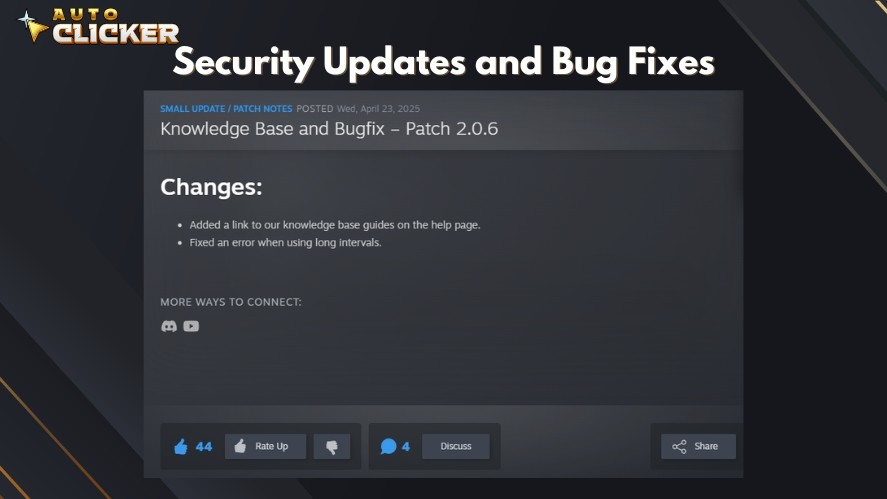
In the worst cases, they can even expose users to malware risks. The latest version usually includes bug fixes and patched vulnerabilities. It also uses safer, updated code.
This matters even more when using a free auto clicker, where download sources are not always reliable.
Improved Performance and Compatibility
Modern systems like Windows 11 receive regular updates. At the same time, games and productivity apps also change their layouts and input handling.
Because of this, older clickers may stop working correctly.
The auto clicker latest version is built to stay compatible with these changes. New releases often run more smoothly and also use fewer system resources, which helps avoid lag or freezes.
Access to New Features
Updates are not only about fixing problems, because new versions often add useful features.
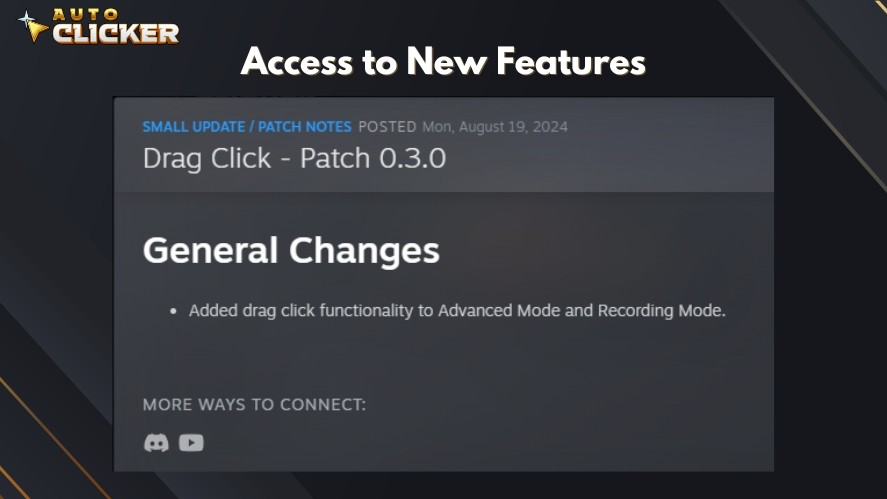
These may include better click interval control, improved hotkey support, and more flexible click patterns.
These improvements make automated clicking more accurate. They also expand on how the tool can be used in gaming and professional workflows.
Read More: The Best Auto Clicker Mac in 2026
How to Choose a Reliable Auto Clicker with Ongoing Updates
Not all auto clickers are actively maintained. So, choosing a reliable tool means focusing on long-term support, not just basic auto clicker features.
Developer Maintenance and Update Frequency
A good indicator is recent update activity. Tools updated within the last 6 to 12 months are usually safer choices.
Moreover, active developers are more likely to fix issues and adapt to platform changes.
An auto clicker full version with regular updates is far more dependable than one that has been abandoned.
Community Feedback and Changelog Transparency
User reviews provide valuable insight, and platforms like Steam, GitHub, and tech forums often reveal real-world stability issues.
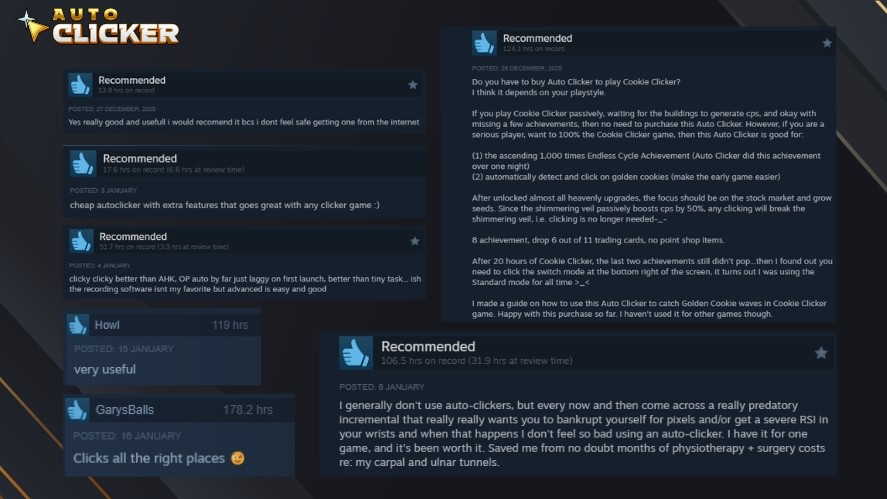
Check these sources for consistent positive feedback, which is a strong trust signal.
Clear changelogs also matter. They show what was fixed, improved, or added in each update. This transparency helps users judge reliability.
Avoiding Outdated or Unsafe Tools
Many auto clickers are distributed through unofficial websites. Some are outdated or poorly optimized, while others may include unwanted software.
Using an abandoned auto clicker increases the risk of crashes and security problems.
In 2026, the safest approach is to use well-reviewed tools that receive regular updates and active support.
Auto Clicker on Steam – A Trusted Tool That Stays Updated
Auto Clicker on Steam stands out because it is actively maintained and distributed through a trusted platform.
Here are the main reasons why Auto Clicker on Steam is a trusted tool to use for automation in 2026.
Regular Version Updates by Developers
From 2024 through 2026, Auto Clicker on Steam has received steady updates focused on stability and compatibility.
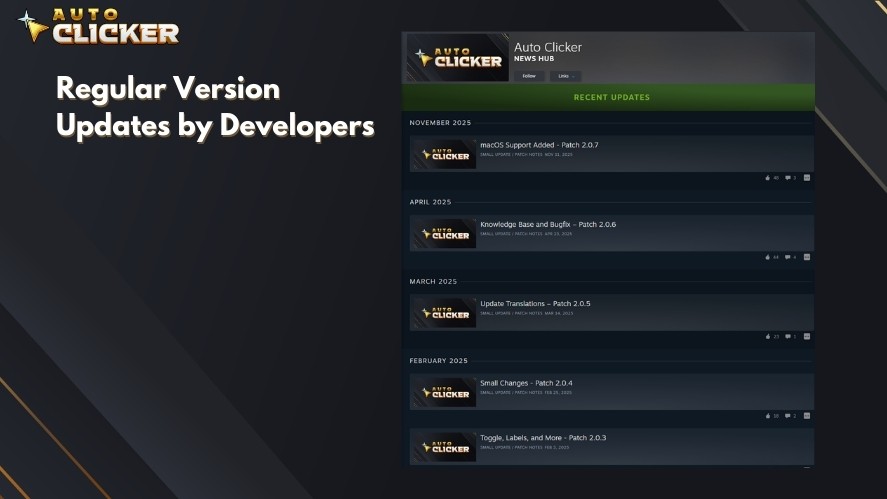
These updates include bug fixes, performance improvements, and adjustments for newer versions of Windows and popular applications.
Ongoing maintenance shows the tool is not abandoned and continues to evolve with user needs. This makes it a safer option than many outdated auto clickers found online.
Key Features in the Auto Clicker Latest Version in 2026
The latest version adds refined custom delay settings for precise control over click intervals. Users can also set click limits to prevent system overloads or accidental infinite loops.
The interface remains lightweight and responsive, allowing the tool to run quietly in the background without slowing down games or productivity software.
These improvements make the automated clicker full version more reliable for everyday use.
Seamless Steam Integration and User Support
Steam integration simplifies the entire experience of Auto Clicker on Steam.
Installation, auto clicker updates, and launches are handled automatically through the Steam client. Cloud settings allow user preferences to sync across devices.
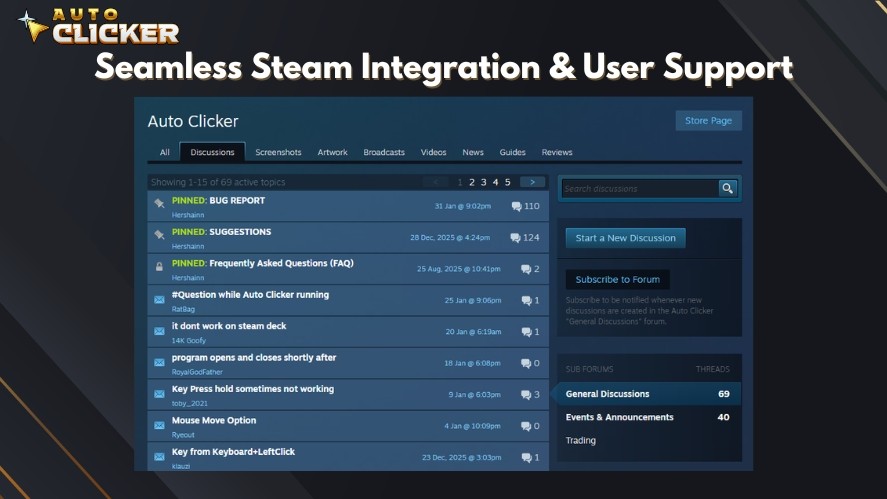
In addition, the active Steam community provides support, feedback, and practical usage tips through discussions and reviews.
Read More: How to Download an Auto Clicker on Steam
Verifying You Have the Auto Clicker Latest Version Installed
Keeping your auto clicker PC updated doesn’t take much effort, especially when you know where to look.
Here are a few quick checks to ensure you’re always running the latest version:
- Rely on Steam’s automatic updates to install new versions without interrupting your workflow
- Check the tool’s Steam library page to confirm you’re on the latest build if something feels off
- Review update logs and changelogs to verify recent fixes, improvements, and new features
- Follow the developer’s Steam page to get notified about future updates and release notes
By making these steps part of your routine, you can be confident your auto clicker stays secure, stable, and fully optimized in 2026.
Frequently Asked Questions
The latest version offers better security, improved performance, and compatibility with modern systems like Windows 11 and updated games or apps.
Check the software’s version number, review recent update logs, or use a platform like Steam that handles updates automatically.
Look for regular updates, customizable click intervals, hotkey support, stable performance, and downloads from trusted sources.
Auto Clicker on Steam offers automatic updates, Steam-verified security, modern features, and ongoing developer support for long-term reliability.
Yes, outdated tools may have bugs, compatibility issues, or security risks that can affect performance and system safety.
Conclusion
Using the auto clicker latest version is essential in 2026 for security, performance, and compatibility.
A regularly updated solution like Auto Clicker on Steam provides peace of mind, modern features, and dependable long-term support.
Download the latest version of Auto Clicker on Steam today for the best performance and support!

Script for Auto Clicking: How to Automate Clicks Like a Pro

Image Detection Guide: How to Master Auto Clicker on Steam

How to Automate Repetitive Tasks on Your Computer
About The Author
