
Best Auto Clicker for Android and iOS in 2026
✨ Updated for 2026: This guide has been refreshed to include the official Auto Clicker by Playsaurus release for Android, along with current Android and iOS automation options.
Finding the best auto clicker for Android has become more important than ever as we enter 2026. With the rising demand for mobile automation, users are embracing auto clicker apps to streamline repetitive tasks across gaming, work, and everyday use. Whether you’re a gamer looking to automate taps and save time, or someone seeking to simplify routine phone actions, the right auto clicker can dramatically boost productivity and convenience.
In this guide, we’ll highlight the best auto clicker apps for Android and iOS in 2026. Additionally, we will cover their key features, pros and cons, and offer tips to help you choose the best app for your needs. By the end of this article, you’ll be equipped with all the information you need to make an informed decision.
Android users now have an official option from Playsaurus, while iOS users still need to consider separate iOS-compatible tools and built-in Apple accessibility features. We will clearly separate the recommendations for each platform below.
What Makes a Great Auto Clicker for Mobile?
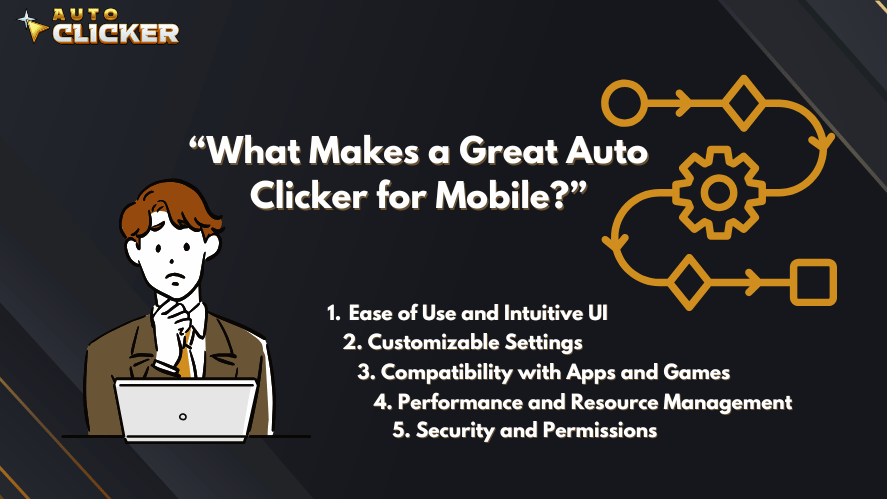
Before diving into specific apps, it’s important to understand what makes a great auto clicker. With so many options available, users should carefully consider their needs and the app’s capabilities. So, what separates an average auto clicker from a truly exceptional one?
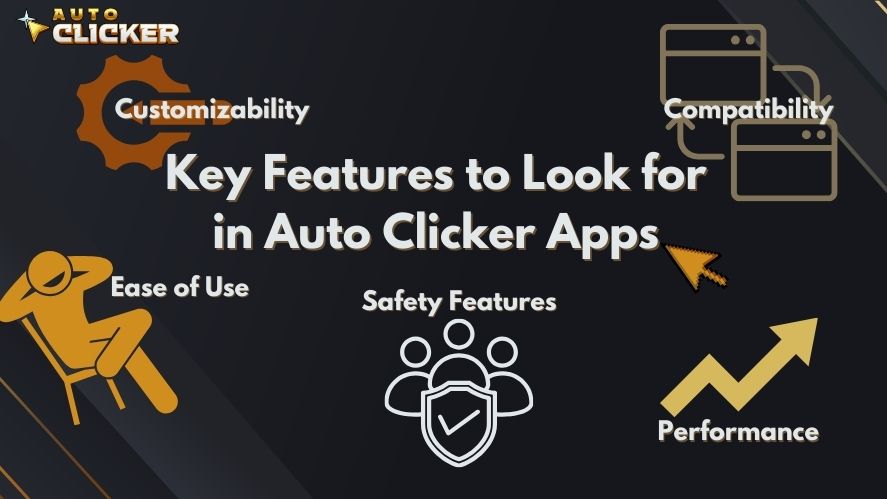
Key Features to Look for in an Auto Clicker App (2026)
1. Ease of Use and Intuitive UI
A good auto clicker must be easy to set up and use. For instance, if you are new to automation tools, you’ll appreciate a user-friendly interface with clear instructions.
2. Customizable Settings
In addition to simplicity, the ability to adjust the click interval, duration, and pattern is a critical feature. For example, advanced apps allow you to customize multi-target clicks or record your click sequences, which makes them ideal for complex workflows.
3. Compatibility with Apps and Games
It’s crucial to choose an auto clicker that works seamlessly with the apps or games you frequently use. For example, some apps perform better with certain games, while others are designed specifically for productivity tasks.
4. Performance and Resource Management
No one wants an app that drains their battery or slows down their device. Thus, it is important to select an auto clicker that performs efficiently and consumes minimal system resources, especially during extended use.
5. Security and Permissions
Finally, safety cannot be ignored. Since most auto clickers require accessibility permissions, you must ensure that the app you choose is secure and trustworthy. After all, auto clicker safety is one of the most important aspects of automation tools.
Auto Clicker on Steam as a Benchmark
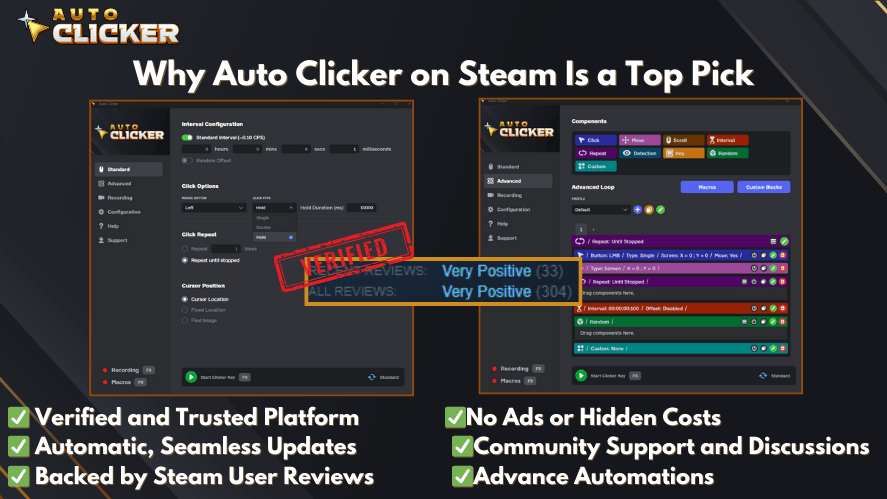
If you’re familiar with desktop automation, Auto Clicker on Steam is a great example of what a powerful automation tool should be. It offers extensive customization and seamless performance, which makes it a favorite among PC gamers and professionals alike. Though designed for desktops, its features can serve as a benchmark when choosing mobile auto clickers.
Best Auto Clicker Apps for Android in 2026
When it comes to Android, users have several options for automating repetitive taps and swipes. One of the biggest updates for 2026 is that Auto Clicker by Playsaurus is now officially available for Android phones and tablets.
Here are the Android options worth considering.
1. Auto Clicker by Playsaurus
Auto Clicker by Playsaurus is now our first recommendation for Android users who want an official, dedicated tap automation app.
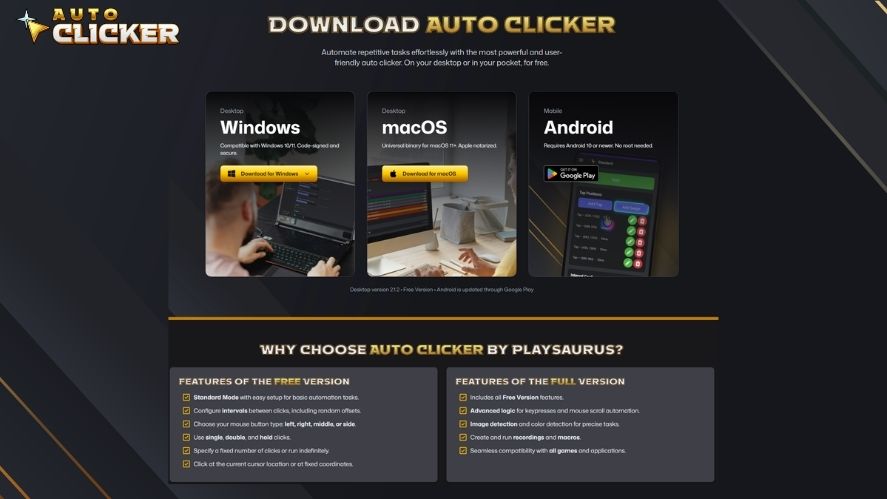
The app works on Android 10 or newer, requires no root access, and uses Android’s Accessibility Service to perform taps and swipes.
Two versions are available on Google Play:
- Auto Clicker Enhanced — free version for common tap and swipe automation
- Auto Clicker Premium — paid version with more advanced automation features
Features
- Automated taps and swipes
- Adjustable intervals between actions
- Fixed or continuous repetitions
- Per-tap delays and random timing offsets
- Floating controls
- On-screen tap markers
- Cloud saves
- No root required
The Premium version also adds advanced tools such as image and color detection, reusable automation blocks, recordings, profiles, loops, and more complex automation routines.
Pros
- Officially developed and published by Playsaurus
- Free version available
- No root required
- Suitable for both basic and advanced Android automation
- Official Google Play distribution
Cons
- Requires Android 10 or newer
- Advanced features require the Premium version
Official downloads:
Download Auto Clicker for Android
Get Auto Clicker Enhanced — Free
Get Auto Clicker Premium — Paid
2. Clickmate – Automation Tool
If you’re looking for more advanced capabilities, Clickmate might be the app for you. Unlike simpler tools, this app allows you to record and replay click sequences for more complex tasks.
Features:
- Precision recording and playback of click patterns.
- Customizable intervals and durations.
- Supports complex workflows with long scripts.
Pros:
- Ideal for advanced users.
- Works well with both games and productivity apps.
Cons:
- Free version lacks some premium features.
Download Clickmate – Automation Tool
3. MacroDroid
Although MacroDroid isn’t a dedicated auto clicker, its versatility makes it worth mentioning. In addition to automating clicks, this app allows you to create macros for a variety of tasks.
Features:
- Automates mouse click tasks along with other macros.
- Wide range of customizable triggers and actions.
- Access to pre-designed templates for common workflows.
Pros:
- A powerful all-in-one automation tool.
- Ideal for advanced users with multiple automation needs.
Cons:
- May feel overwhelming for basic users.
Best Auto Clicker Apps for iOS in 2026
iOS is more restrictive than Android when it comes to system-level tap automation, so the available options are different.
Auto Clicker by Playsaurus is currently available for Android, not iOS. Therefore, iPhone and iPad users should not expect the Playsaurus Android app to appear in the Apple App Store.
The following recommendations are separate iOS-compatible options or Apple accessibility features and should not be confused with the official Playsaurus Auto Clicker.
1. Auto Clicker Pro for iOS
This app is designed specifically for iOS devices, offering smooth performance and a clean interface. Whether you’re gaming or working, it simplifies repetitive tasks effortlessly.
Features:
- Supports automation for both productivity and gaming apps.
- Seamlessly integrates with iOS.
Pros:
- Simple and responsive interface.
- Great for daily automation tasks.
Cons:
- Subscription required for advanced features.
Download Auto Clicker Pro for iOS
2. Accessibility Suite – iOS Shortcut Clicker
For users who don’t want to rely on third-party apps, Apple’s native Accessibility Suite offers a simple solution. With a little customization, you can use this tool for basic auto-clicking tasks.
Features:
- Built-in functionality within iOS.
- Basic customization for repetitive taps.
Pros:
- No additional downloads needed.
- Completely free to use.
Cons:
- Lacks advanced features found in third-party apps.
3. Auto Clicker – Automatic Tap
This app is another excellent option for iOS users. With its intuitive interface and compatibility with most apps, it’s ideal for beginners and casual users.
Features:
- Easy-to-use customization settings for intervals and durations.
- Works well with a wide range of games and apps.
Pros:
- Beginner-friendly design.
- Great for gaming and light automation.
Cons:
- Heavy usage may drain battery life.
Download Auto Clicker – Automatic Tap
Auto Clicker on Steam: A Cross-Platform Alternative
If you’re a desktop user or need automation across multiple platforms, Auto Clicker on Steam is an excellent option. Its extensive features make it a top choice for those who want maximum control over automation tasks.
Key Benefits:
- Customization: Offers precise control over mouse click intervals and patterns.
- Cross-Platform Functionality: With cloud integration, users can sync their tasks across devices.
- Efficiency: Runs smoothly without impacting system performance.
How to Choose the Best Auto Clicker for Your Needs
Selecting the right auto clicker depends on your specific requirements. To make the decision easier, consider the following tips:
- Define Your Purpose Are you using the app for gaming, productivity, or general automation? Different goals may require different features.
- Check Compatibility Always confirm that the auto clicker supports your device before downloading it. Auto Clicker by Playsaurus is officially available for Android devices running Android 10 or newer, but it is not currently offered for iOS. Android and iOS recommendations should therefore be evaluated separately.
- Evaluate Security Downloading apps from unverified sources can compromise your device’s safety. Therefore, always choose apps with positive reviews and strong reputations.
- Look for Advanced Features If you need more than just basic clicking functionality, opt for apps with features like multi-target support or click sequence playback.
FAQs About Auto Clicker Apps
Is Auto Clicker by Playsaurus Available on iPhone or iPad?
No. Auto Clicker by Playsaurus is currently available for Android phones and tablets, along with supported desktop platforms. There is currently no official Playsaurus Auto Clicker release for iOS.
iPhone and iPad users should use iOS-compatible alternatives or Apple accessibility features instead.
Are Auto Clicker Apps Safe to Use?
Most auto clicker apps are safe if downloaded from trusted app stores or official websites. Avoid third-party sources that might include malware.
Can I Use an Auto Clicker in Mobile Games?
Yes, but some games prohibit automation tools. Always check the game’s terms of service to ensure compliance.
Do Auto Clicker Apps Work Without Rooting or Jailbreaking?
Yes, most modern auto clickers work without the need for rooting or jailbreaking your device.
Conclusion
The best auto clicker for mobile depends heavily on whether you use Android or iOS.
For Android users, Auto Clicker by Playsaurus is our first recommendation in 2026. It is officially available through Google Play, requires no root access, and offers both a free Enhanced version and a Premium version for more advanced automation.
iOS users have a different set of options because the official Playsaurus Auto Clicker is not currently available for iPhone or iPad. Instead, iOS users should consider compatible third-party apps or Apple’s built-in accessibility tools.
Whichever platform you use, always check compatibility, permissions, and download sources before installing an automation tool.

Speed Clicking Games Guide: Tips, Tools, and Automation Tricks

How to Use an Auto Clicker for Games Like Clicker Heroes
Best QA Tools 2026: What Every Software Team Should Be Using
About The Author
