
Auto Clicker for Steam: Does Steam Allow Auto Clickers?
Automation tools are becoming more common in both gaming and productivity.
Many players now use auto clicker for games when playing Steam games. This leads to a common question: Does Steam allow auto clickers, and is auto clicker safe for Steam games?
The answer is not a simple yes or no. It depends on how the tool is used and which game you are playing.
In general, an auto clicker for Steam can be safe when used in the right context.
For example, it may be okay to use auto-clickers in idle games or single-player modes. Meanwhile, problems usually happen in competitive or multiplayer environments with strict rules.
Based on those needs, tools like Auto Clicker on Steam offer a flexible and reliable way to automate tasks. When used responsibly, they can improve efficiency without causing issues.
But first, let’s learn what an auto clicker for Steam is and everything you should know about it.
What Is an Auto Clicker for Steam
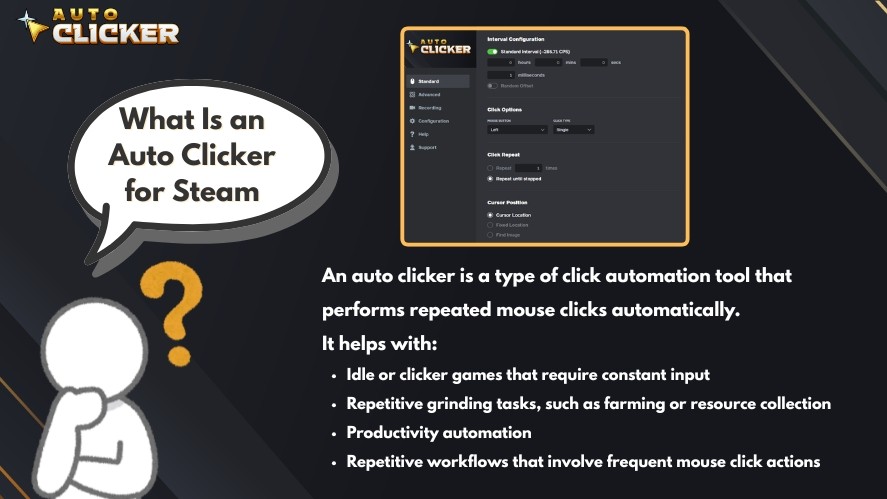
An auto clicker is a type of click automation tool that performs repeated mouse clicks automatically. Instead of manually clicking, the software handles the input for you using automated mouse click actions.
This type of automated clicking software is widely used for different purposes and is often considered among the best auto clicker software options.
In gaming, it helps with:
- Idle or clicker games that require constant input
- Repetitive grinding tasks, such as farming or resource collection
Outside of gaming, it is also used for:
- Productivity automation
- Repetitive workflows that involve frequent mouse click actions
An automatic clicker simulates human input at a set interval.
This makes it useful for tasks that require consistent timing or long periods of clicking, especially when users want faster clicks in 1 second or test how fast can you click.
Tools like Auto Clicker on Steam simplify this process. The tool has customizable settings and reliable performance, making mouse click automation accessible for both beginners and advanced users.
Read More: How to Download an Auto Clicker on Steam: Step-by-Step Guide
Does Steam Allow Auto Clickers?
The short answer is yes, but with important limits.
Steam, as a platform, does not explicitly ban auto clickers.
However, this does not mean you can use it freely in every game. The key point is that game-specific rules always override Steam’s general policies.
There is an important distinction to understand:
- Steam is the platform that distributes games
- Individual developers control what is allowed inside their games
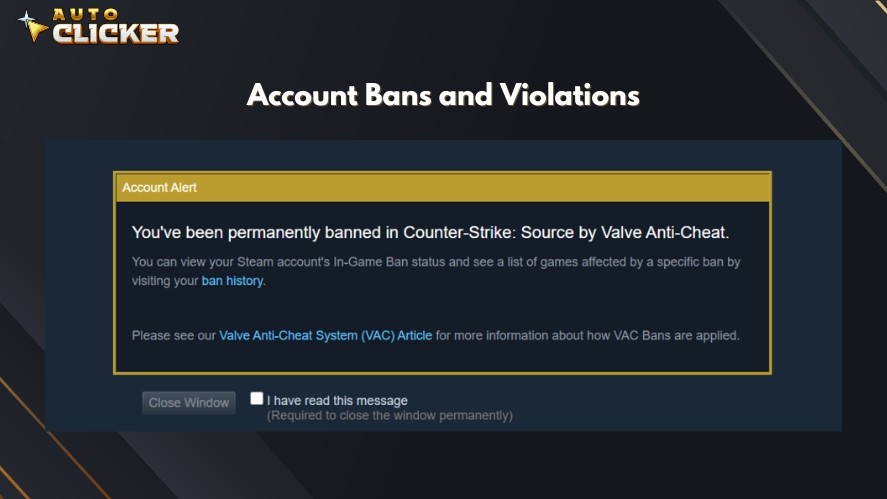
Because of this, an auto clicker can be perfectly safe in some cases and risky in others.
In general, it’s safe in single-player or idle games where automation is expected. On the other hand, it becomes risky in competitive or multiplayer environments where automation may give an unfair advantage.
So when asking this question, the real answer depends on the specific game you are playing.
Steam Policy vs Game Developer Rules
To use an automatic clicker safely, you need to understand how Steam and game developers handle automation tools differently.
Steam’s General Position
Steam does not directly regulate every external clicking tool or automated clicker. Instead, its focus is on preventing:
- Cheating
- Exploits
- Unfair advantages in games
This means tools like mouse click automation or other click automation tools are not automatically blocked at the platform level.
Game-Specific Restrictions
Individual games often have their own rules, and many of them restrict automation.
Common restrictions include:
- Macros
- Bots
- Any form of automated mouse click or scripting
For example, competitive multiplayer games are high risk. These games often use anti-cheat systems and may ban players for using an auto clicker.
On the other hand, idle games are generally safe. Many are designed around repeated clicking, so idle game automation is usually allowed.
Because of these differences, the safest approach is to always check the rules of each game before using an auto clicker for games.
When Using an Auto Clicker for Steam Is Safe
Using an auto clicker for Steam can be safe, but only in the right situations. The key is to use it where automation does not affect fairness or other players.
In general, it is safe to use an auto clicker in:
- Idle and incremental games that are built around repeated clicking
- Offline or single-player modes where no competitive advantage is involved
- Games that allow automation or do not have strict anti-cheat systems
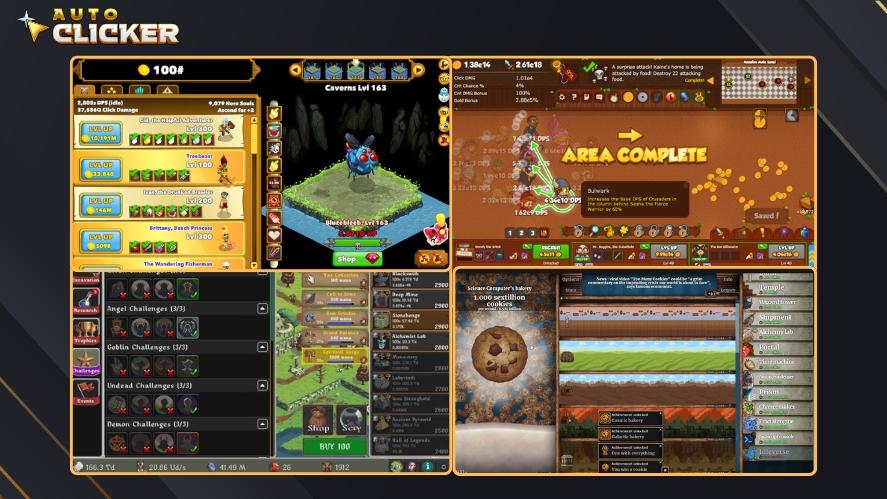
In these cases, idle game automation is often expected. Many players use click automation tools to reduce repetitive effort and improve efficiency.
Read More: Auto Clicker Safety: How to Use Auto Clickers Without Risk
Why Auto Clicker on Steam Works Well Here
Gaming productivity tools like Auto Clicker on Steam are well-suited for these safe environments. Key features include:
- Customizable click intervals allow you to match the pace of the game
- Easy setup makes it accessible even for beginners
- Reliable performance ensures smooth automated mouse click actions
This makes it a practical choice for both gaming and simple productivity tasks.
When Auto Clickers Can Get You Banned
While an automatic clicker can be helpful, there are situations where using one can lead to penalties or bans.
High-risk scenarios include:
- Competitive multiplayer games where fairness is critical
- Games with anti-cheat systems such as VAC or EAC
- Using automated clicker tools to gain an unfair advantage
In these cases, even simple mouse click automation can be treated as cheating.
Key Warning Signs When Using an Auto Clicker for Steam
Before using the best auto clicker for Steam idle games, look for these warning signs.

First, check if the game rules clearly prohibit automation, macros, or bots. Another warning sign is the online leaderboards or ranked systems.
Also, if the gameplay involves real-time PvP or competitive mechanics, it is best to avoid using an autoclicker.
Sticking to safe environments helps you avoid bans and ensures fair gameplay.
How to Use an Auto Clicker For Steam Safely
To use an auto clicker for Steam safely, you need to focus on responsible usage. The goal is to improve efficiency, not to gain unfair advantages.
First, always read the game’s terms of service.
Each game has its own rules, and some clearly restrict automation tools like macros or automated clicker software.
It is also important to avoid using an auto clicker PC in competitive modes.
In ranked or multiplayer environments, even simple mouse click automation can be treated as cheating.
Before using any setup, test it in a safe environment.
Try your automatic clicker in single-player or idle games first to make sure it works correctly without causing issues.
Lastly, you should also use moderate, human-like click intervals.
Extremely fast auto click speeds can trigger anti-cheat systems or break game mechanics. Stable and realistic timing is always the better approach.
Why Choose Auto Clicker on Steam
A good auto clicker for Steam should be easy to use, flexible, and reliable across different tasks.
Auto Clicker on Steam is designed with these needs in mind. Key features include:
- Built specifically for Steam users and game environments
- User-friendly interface for quick setup
- Flexible settings for different use cases and game types
- Safe and efficient for idle games and productivity tasks
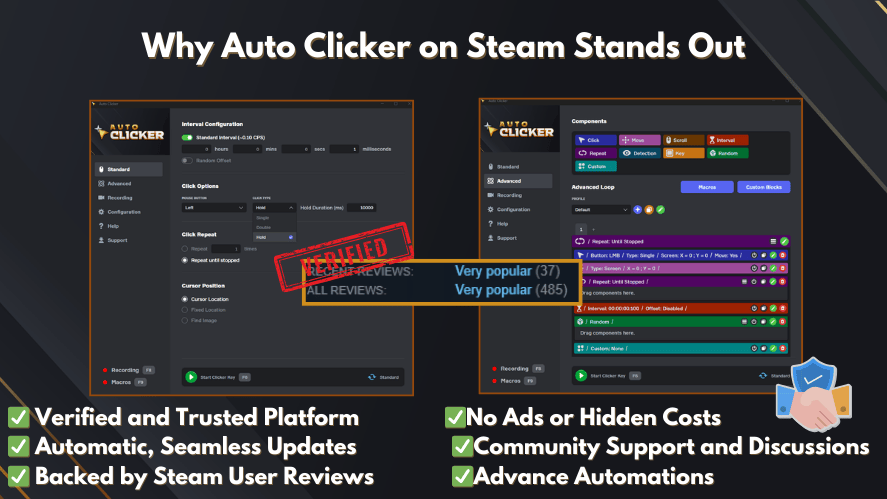
With these features, it offers a simple and dependable way to handle automated mouse click tasks without unnecessary complexity.
Frequently Asked Questions
Steam itself does not directly ban auto clickers. However, each game has its own rules regarding automation tools, macros, and automated mouse click software.
Yes, some multiplayer or competitive games may ban players for using automation tools, especially if they provide an unfair advantage or violate anti-cheat policies.
In most cases, yes. Idle and incremental games are commonly designed around repetitive clicking, so using an automatic clicker is usually considered low risk.
Auto Clicker on Steam offers customizable click intervals, easy setup, hotkey controls, and reliable performance through the Steam platform.
Conclusion
So, does Steam allow auto clickers? Not exactly.
Steam does not strictly ban them as a platform, but individual games may have their own rules. This means an auto clicker can be safe in some situations, but risky in competitive environments.
The key is to use Steam gaming tools responsibly. Always check game rules, avoid unfair advantages, and stick to safe use cases.
If you want a reliable way to manage repetitive clicking, it’s worth exploring Auto Clicker on Steam. Below is the button to look into an auto clicker download if you want to get started quickly.

Auto Clicker Software for Steam Games and Workflow Automation

The 6 Best Auto Clicker for Gaming in 2026 (Free and Paid)

How to Automate Repetitive Tasks on Your Computer
About The Author
